๐Ÿ›Ÿ


Support


No help center yet. Just me.


There's no library of help articles to search through, because Recto is still small enough that I'd rather actually read what you write than have you dig through generic FAQs.

View of a note in Recto on macOS Light mode

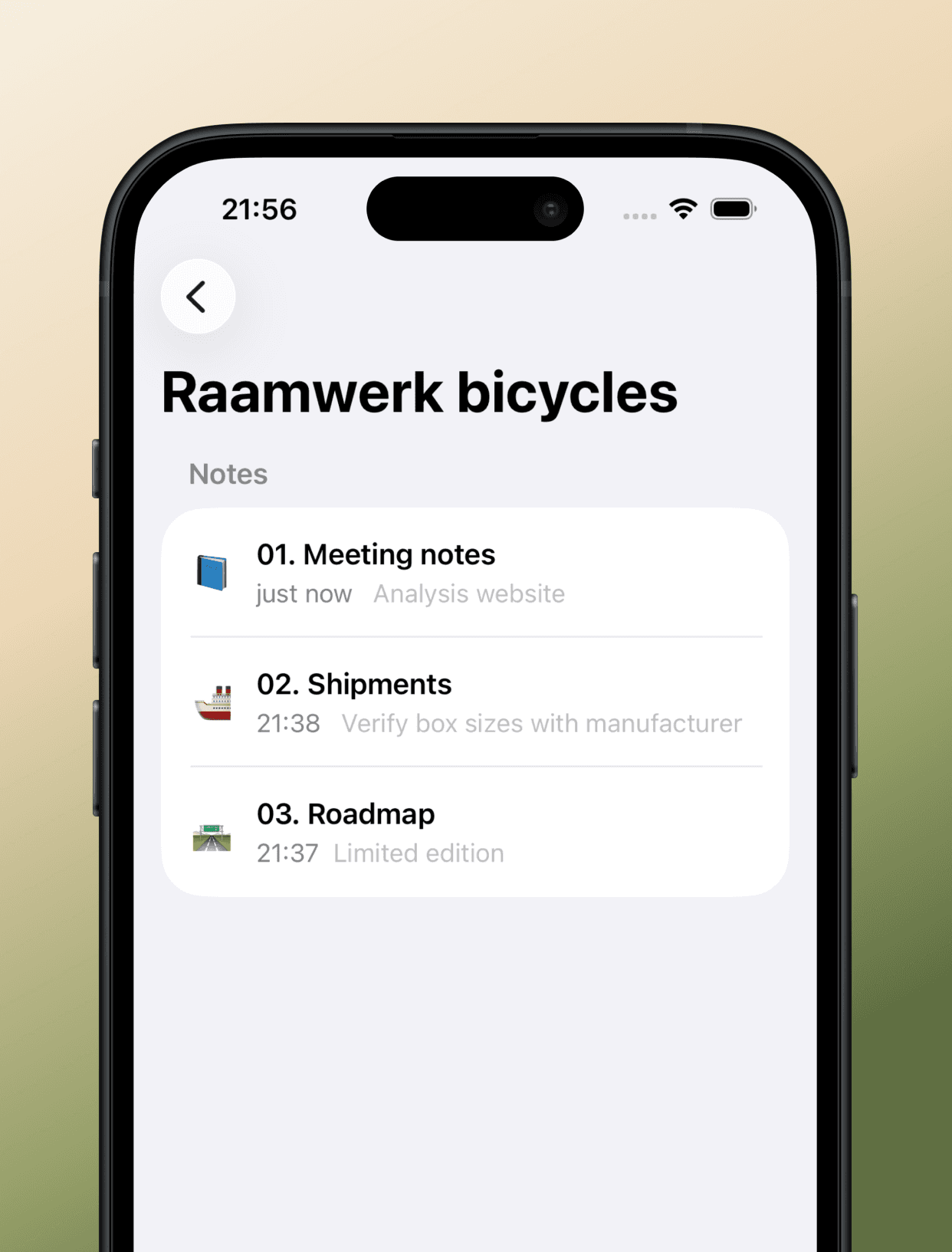
Overview of a Recto note on iOS

See the changelog via the following link.

See the changelog via the following link.

If something's broken, confusing, or just doesn't work the way you expected, email me directly via the form below. I read every message myself, and I'd genuinely rather hear about a rough edge than have you quietly give up on it.

A few things that help me help you faster:

  • What you were trying to do?

  • What did you expected and what happened instead?

  • Which device and Recto version were you using when the bug occurred?

No ticket number, no auto-reply queue. Just a real answer, usually within a day or two.


FAQ

If something's broken, confusing, or just doesn't work the way you expected, email me directly via the form below. I read every message myself, and I'd genuinely rather hear about a rough edge than have you quietly give up on it.

A few things that help me help you faster:

  • What you were trying to do?

  • What did you expected and what happened instead?

  • Which device and Recto version were you using when the bug occurred?

No ticket number, no auto-reply queue. Just a real answer, usually within a day or two.


FAQ

Does Recto work offline?

Yes. Everything you write is saved locally first, and syncs through iCloud whenever you're back online.

Can I use Recto on both iPhone and Mac?

Yes, Recto is built for iOS and macOS, and your notes and tasks stay in sync across both automatically.

What happens to a task once I check it off?

It stays visible with a strikethrough for a while, then quietly moves out of your Task Center so your overview stays clean. It keeps on living in your Notes, nicely strike-through, greyed out so it won't scream for your attention anymore.


Contact form


Contact form