Trip planning in Recto
Preparing your trip, as part of the fun
Plan your next trip in one note. Recto keeps research, links, PDFs, and to-dos together, then surfaces what's due, right when you need it.


Where Recto comes in
A single Recto note can hold everything: the PDFs you're researching, the links you want to keep close, and the to-do list that gets your trip ready.
Every trip comes with the same shape of tasks, research the destination, book somewhere to stay, work out what to do once you're there.
How links are stored
Links are stored in Recto as small cards with a preview of the site, so you can tell at a glance which one you're reaching for. PDFs work the same way, stored right in the note, one tap to open.
Your data stays yours: Recto uses your Apple ID and iCloud to store everything and keep it synced across your devices.
Where the Task center comes in
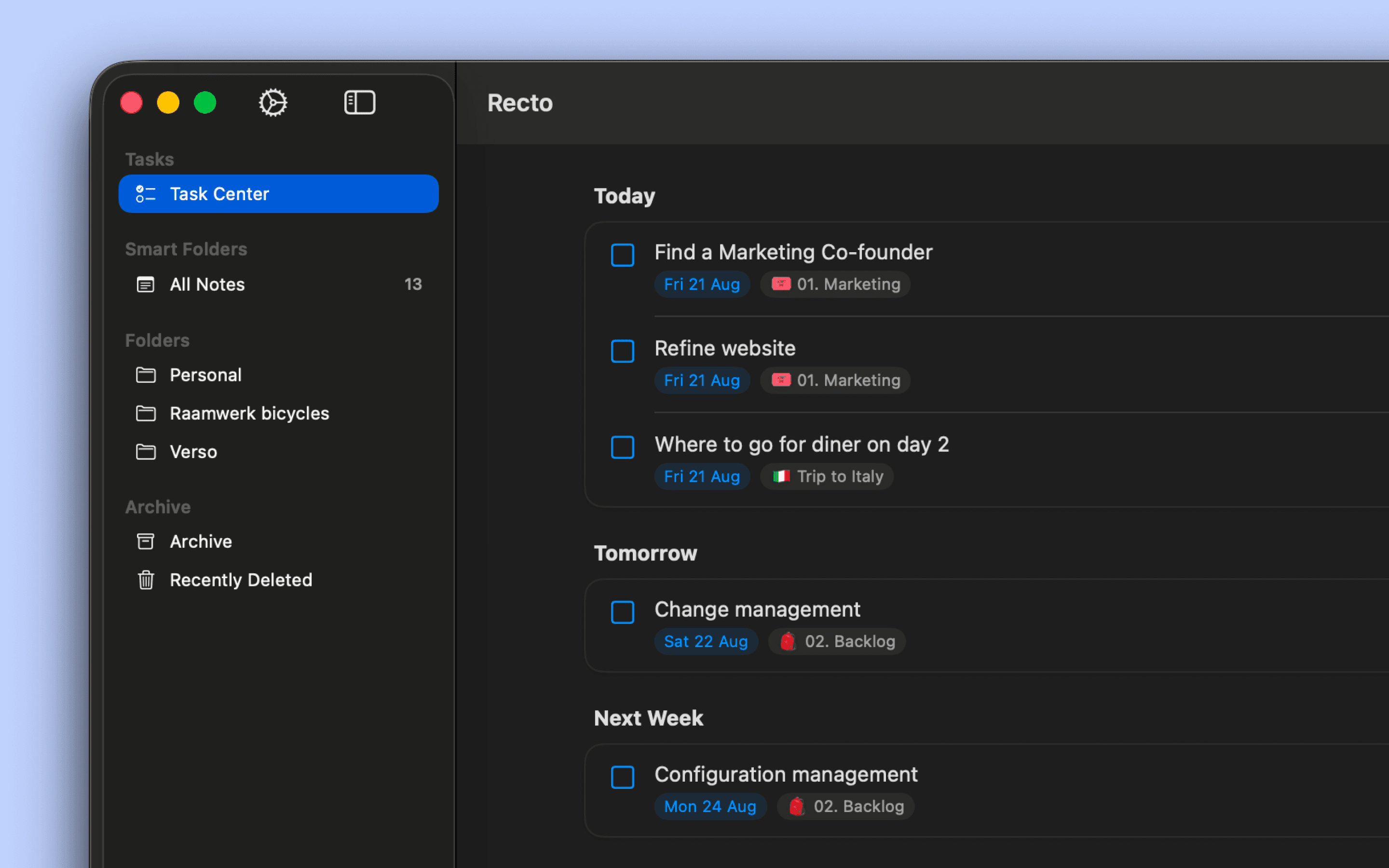
The Task Center is the one place in Recto where nothing falls through the cracks. It pulls together every task from every note, trip tasks included, so nothing stays buried in a note you haven't opened in days. Tasks with a date sort by date; everything else lives in the full list, ready whenever you get to it.
So even when work gets busier than usual in the run-up to a trip, your travel tasks still surface right when you need them.

Note export
Recto is built as your own personal space, but a note can still be shared, as a PDF.
Every note exports to a polished PDF, with options to match what you need: add a table of contents if your plans run long, give images captions that only show up in the export, and include any attached PDFs as an appendix. Links stay clickable if the PDF is viewed digitally.
That makes it easy to get someone else up to speed on the plan, a travel companion, family back home, with exactly what you've put together.
